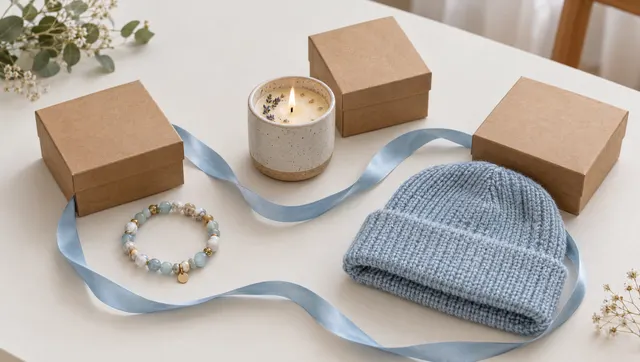
Taking orders
How to Take Orders on Instagram Without Losing Track of Them
How to take orders on Instagram: show what you sell, collect details in one saved reply, run pre-orders, confirm in writing and keep orders out of your DMs.
8 min read
For Instagram sellers
On Instagram an order starts as “price?” under a post, a reply to your story or a DM with a screenshot. WISMO turns the ones that become sales into tracked orders with the item, the buyer’s handle, the price and what’s been paid, and the buyer gets a tracking link to check instead of messaging you again. Put your store page in your bio and they can browse before they ask.
Updated · Written by Ashish Vijay
Sound familiar?
WISMO is built for Instagram sellers and DM-first businesses who want to stay on top of orders without setting up a complicated online shop.
Orders arrive as comments, story replies and DMs, and the details are spread across all three.
A drop sells out in an hour, and keeping track of who paid for which piece means scrolling through dozens of threads.
Instagram’s message requests and archived chats hide buyers, so some never get a reply.
Buyers ask “has it shipped?” in the same DMs where new customers are asking about prices.
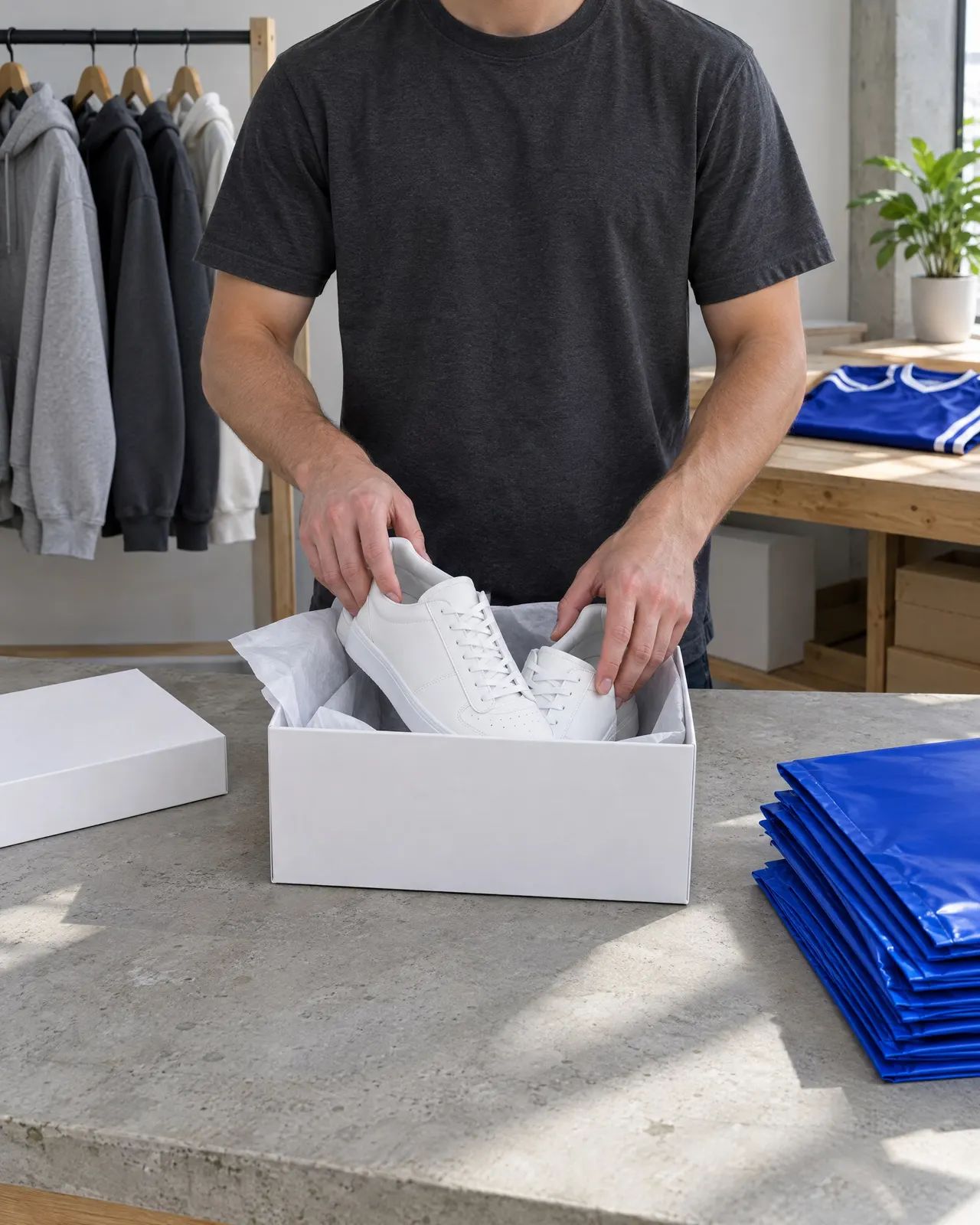
How Instagram sellers use WISMO
Name the stages your order goes through. Your customer sees these exact words on their tracking page, not a general “In progress”.
When a buyer confirms in DMs, add the order with their Instagram handle, the item from your catalog and the price. Mark Instagram as where it came from.
Record the payment when it lands. If you track stock, the piece is counted as sold, so you don’t sell it twice in a drop.
Pack and ship, paste the courier link, and reply in the DM with the order’s tracking link.
From your hands to their phone
1The work
2The order, in WISMO
3What your customer sees
No. WISMO doesn’t read your DMs; you add each confirmed order yourself, which takes a few seconds. If you get a high volume of simple orders and want them captured from DMs automatically, a tool that connects to Instagram, such as Orders App, fits better.
Yes, free on every plan. Your store page shows your catalog with photos, prices and what’s sold out, and buyers send an enquiry that you accept into an order. There’s no checkout, so you still agree the details in DMs.
Yes. Each customer can have their Instagram handle saved, and you can open their profile straight from their page in WISMO, alongside every order they’ve placed.
No. They open the tracking link in any browser, with no app and no sign-up, and see the order’s stage, your updates, what they’ve paid and the courier link.
WISMO is free for your first 30 orders, with no credit card and no time limit. Pro is $9.99/month for unlimited orders, no WISMO branding, photos on updates and automatic customer emails, and starts with a 7-day free trial. App stores show the price in your local currency.
No. Only you use the WISMO app. Your customer gets a link they open in any browser, with no app to install and no account to create, and it shows where their order is, your latest updates and what has been paid.
Taking orders
How to take orders on Instagram: show what you sell, collect details in one saved reply, run pre-orders, confirm in writing and keep orders out of your DMs.
8 min read
Growing your business
Most link-in-bio store pages never rank. What a search engine needs to see, what a small catalog takes to get indexed, and when to skip a store page.
8 min read

Comparing tools
Five order apps for sellers who take orders in WhatsApp and Instagram DMs, compared on price, setup and what they actually fix: getting orders in, or getting them done.
8 min read
Free for your first 30 orders. No card needed. On iPhone, Android and the web.