Running your orders
How to Keep Track of Custom Jewellery Orders
Keep custom jewellery specifications, sizes, engraving approvals, payments and delivery dates together. Includes an order checklist and a worked example.
6 min read
For handmade jewellery
A custom jewellery order lives or dies on its details: the ring size, the metal, the stone, the exact spelling of the engraving. WISMO keeps those with the order rather than in a screenshot, records the deposit that covers your metal and stones, and gives the buyer a link where they can watch the piece go from casting to setting to polished, with photos on Pro.
Updated · Written by Ashish Vijay
Sound familiar?
WISMO is built for jewellery makers and goldsmiths who want to stay on top of orders without setting up a complicated online shop.
A misspelt engraving or the wrong ring size means remaking the piece, and the correct details are three weeks back in a DM thread.
You buy metal and stones before you start, so an order without a deposit is a cost you carry alone.
Buyers of a piece for an engagement or anniversary want reassurance, and message often in the weeks before the date.
The same customers come back for anniversaries and birthdays, but nothing reminds you to get in touch.
How jewellery makers use WISMO
Name the stages your piece goes through. Your customer sees these exact words on their tracking page, not a general “In progress”.
Create the order with ring size, metal, stone and engraving text in the description, and confirm it back to the buyer in writing before you start.
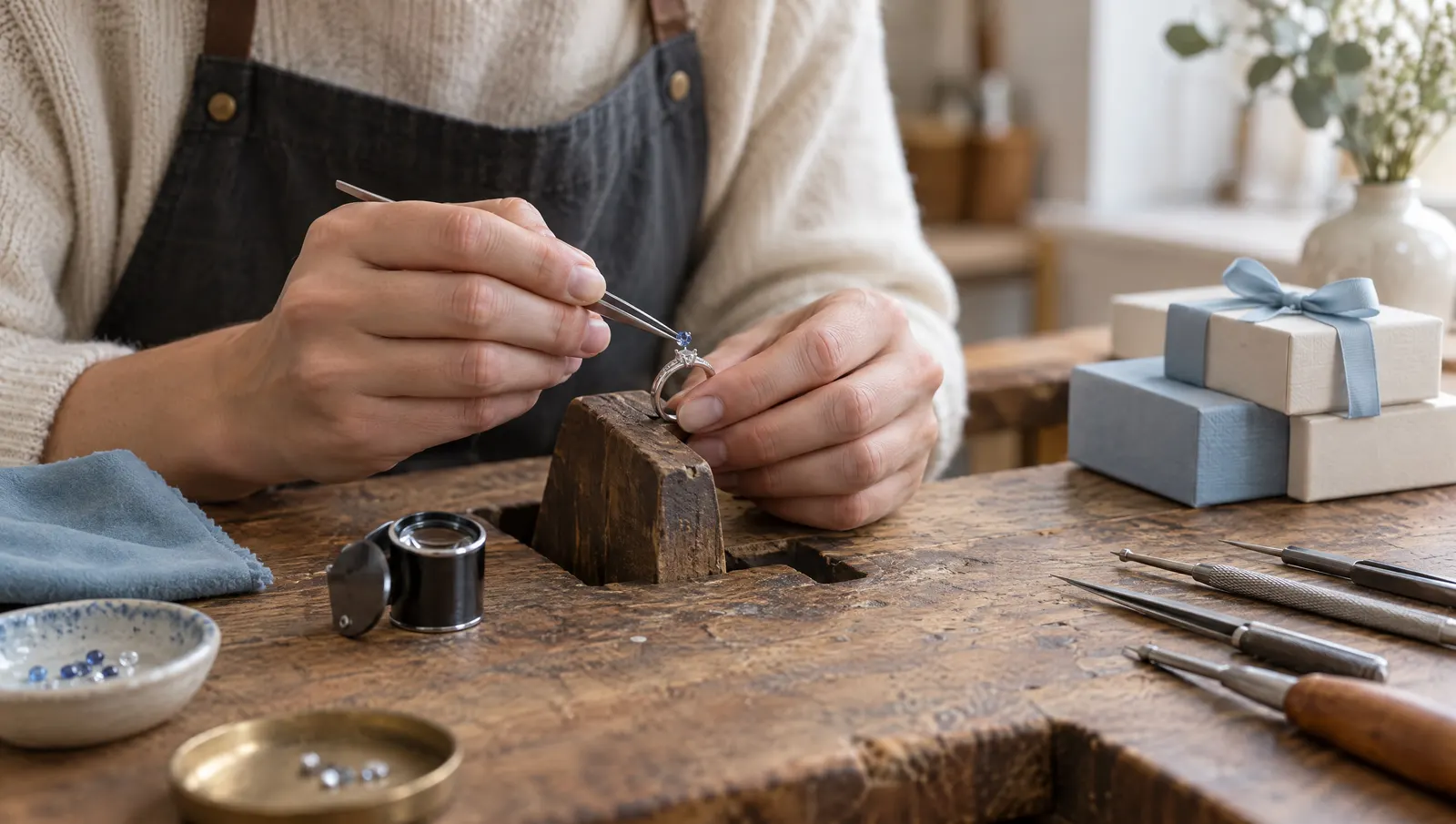
Record the deposit, then move the order through stages like Design Approved, Casting, Setting, Polishing and Shipped. On Pro, add a photo at each step.
Paste the courier link when it ships, record the balance, and set a follow-up reminder for their next anniversary.
From your hands to their phone
1The work
2The order, in WISMO
3What your customer sees
Yes, in the order description or private notes. They show on the order card, and the description is what the buyer sees on their tracking page, so they can check the spelling before you engrave.
WISMO has no approval button. Use a Design Approved stage: send the sketch or render in your chat, and move the order on when they say yes. On Pro you can also attach the image to an update on their tracking page.
Not raw materials. WISMO can count finished pieces you keep in stock and warn you when they run low, but it does not track metal by weight, stones or findings, or work out costing.
Yes. Set a follow-up reminder on a customer, for example a month before their anniversary, and WISMO reminds you on the day.
WISMO is free for your first 30 orders, with no credit card and no time limit. Pro is $9.99/month or $69.99/year for unlimited orders, no WISMO branding, photos on updates and automatic customer emails, and starts with a 7-day free trial. App stores show the price in your local currency.
No. Only you use the WISMO app. Your customer gets a link they open in any browser, with no app to install and no account to create, and it shows where their order is, your latest updates and what has been paid.
Running your orders
Keep custom jewellery specifications, sizes, engraving approvals, payments and delivery dates together. Includes an order checklist and a worked example.
6 min read

Payments & money
Everyone says 50% is standard and nobody shows their data. What 62 real deposits from 16 sellers show, and what UK and EU rules require of the terms.
8 min read

Growing your business
Most link-in-bio store pages never rank. What a search engine needs to see, what a small catalogue takes to get indexed, and when to skip a store page.
8 min read
Free for your first 30 orders. No card needed. On iPhone and Android.