Running your orders
How to Keep Track of Custom Jewellery Orders
Keep custom jewellery specifications, sizes, engraving approvals, payments and delivery dates together. Includes an order checklist and a worked example.
6 min read
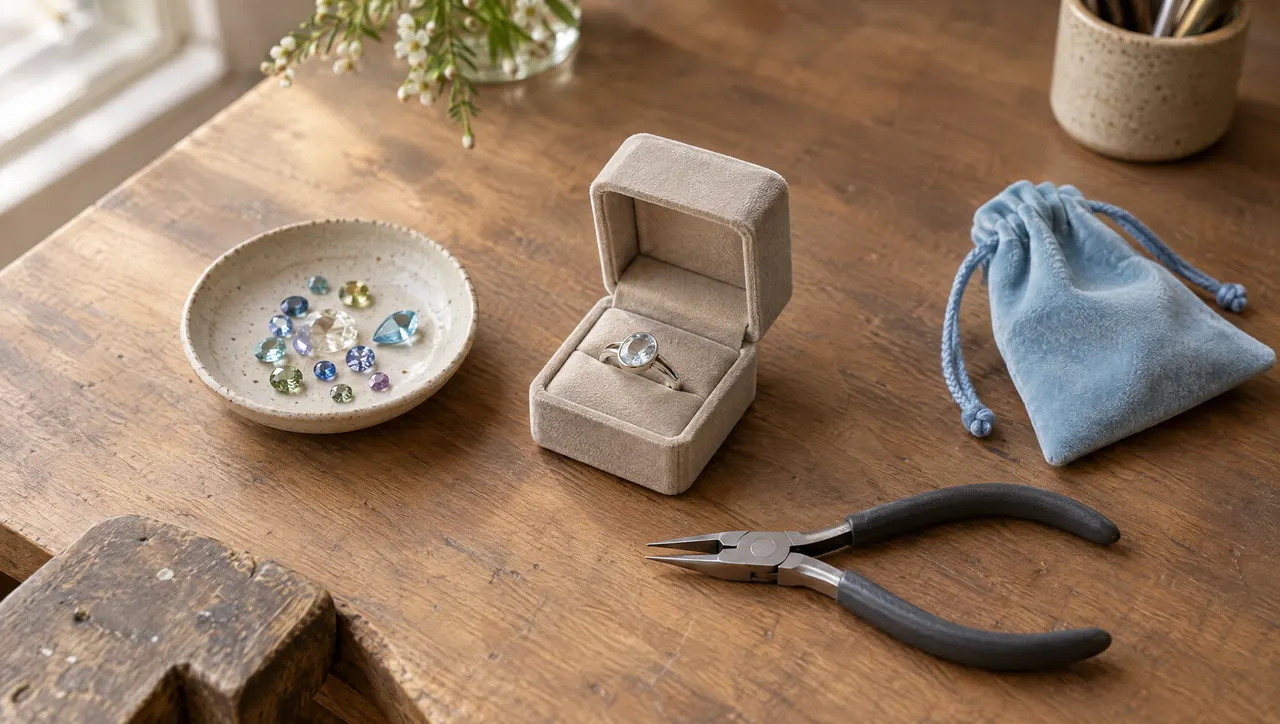
Imagine two open orders for the same pendant. One needs a longer chain. The other needs an engraved date, which the customer corrected yesterday. The photographs look almost identical; the instructions do not.
Track each custom jewellery order with one current specification, its confirmed design version, recorded payments, and a clear collection or dispatch date. Keep unresolved details visible until the customer confirms them. A blank field should not become a decision you make at the bench.
This guide proposes an order-recording routine for independent makers. The checklist and worked example are illustrative; they are not customer case studies or technical manufacturing instructions.
Write down the piece you agreed to make
Start with the details that distinguish this order from the next one. “Gold necklace” is too broad for a working specification. Record the agreed material, finish, chain length, pendant dimensions, quantity and personalisation using the same wording you confirmed with the customer.
Where a stone is involved, include the agreed identity and relevant specifications or reference number. Where the customer supplies a component, note what you received and which order it belongs to. Keep its storage location in your private working notes.
If the customer is still deciding between two finishes, write “finish awaiting confirmation.” Do not leave both options in the description without saying which is current.
Here is a checklist to copy into your order document or notes. Remove fields that do not apply:
CUSTOM JEWELLERY ORDER
Customer name and preferred contact:
Piece and quantity:
Agreed material and finish:
Stone / component specifications and reference:
Dimensions, length and units:
Ring size and sizing system, if applicable:
Measurement source and confirmation date:
Exact engraving, including case and punctuation:
Engraving placement and font / proof reference:
Current design version:
Customer confirmation date and message location:
Price and currency:
Payments received / balance outstanding:
Materials still required:
Next action and date:
Ready-for-collection or dispatch date:
Customer's event / required-by date, if any:
Collection or delivery arrangement:
Open questions:
This is a general working checklist, not a set of dedicated WISMO fields. Keep the agreed item details in the order description and private operational details in internal notes; longer specifications and design files can stay in your existing documents.
A size needs a system and a source
When recording a ring size, save the system alongside the value: for example, “US 7, measured in person,” rather than “7.” If the customer sends a measurement, record whether it is an inside diameter or a circumference, and preserve its units.
GIA’s ring-sizing guidance includes an international size chart and separate considerations for different ring forms, including wide bands and tapered rings. That is a reason to retain the measurement context rather than treating a bare number as the whole specification.
For your order record, distinguish “customer estimate” from “confirmed measurement.” If the size is uncertain, resolve it through your usual fitting process before making the piece. The tracking record should preserve the result; it should not substitute for measuring.
Use the same discipline for necklaces and bracelets. Write “chain length 45 cm” or the agreed measurement in the customer’s units. If you convert it for production, retain the original value and label the converted one, so you can check the instruction later.
Confirm the engraving as its own decision
Treat an engraving proof as something to confirm explicitly, even when the customer has already approved the overall design.
Send the exact text, placement and proof version together. Ask for a response that identifies what is being approved:
Before I engrave, please confirm proof v2: “M + J” on the front and “12 October 2026” on the back, using the lettering shown. Please check every character and the date. Reply with any corrections before I proceed.
This is a suggested message, not a guarantee against mistakes. Keep the customer’s actual reply. In your working record, note the version, confirmation date and where to find that reply.
If the wording changes, update the current specification and add a dated change note. An old proof can remain in your files for reference, but label it as superseded so it cannot be mistaken for the instruction to make.
WISMO’s tracking page has no approval button. Use your existing messages or email for this exchange, then record the confirmed outcome against the order.
Work through one order before adding more process
Consider this hypothetical order for an engraved sterling silver pendant. The dates and amounts are illustrative.
| Checkpoint | Working record |
|---|---|
| Order confirmed, 10 September | One pendant, 45 cm chain, EUR 120 total, collection on 2 October |
| First payment received | EUR 40 by bank transfer; EUR 80 outstanding |
| Design sent, 12 September | Proof v1 sent; rear engraving awaiting confirmation |
| Correction received, 13 September | Date changed to “12 October 2026”; proof v2 sent |
| Confirmation received, 14 September | Customer confirmed v2 by email; current specification updated |
| Piece checked, 30 September | Compare finished piece with v2 and confirmed measurements |
| Collection, 2 October | Record handover and any payment actually received |
The corrected engraving affects the specification. It does not automatically change the payment record or collection date. If a requested change requires a new price or more time, discuss those explicitly and update them once agreed.
Notice that proof confirmation happens before engraving in this example. Choose checkpoints around decisions you need before doing the next piece of work, rather than adding a status for every bench operation.
Keep materials and delivery dependencies visible
If a component has not arrived, note what is missing, the next supplier check and whether the promised date is affected. Keep quantities and purchasing records in your existing stock or supplier system. WISMO does not reserve materials or manage inventory.
For the customer-facing order, stages such as Awaiting Confirmation, Making, Finishing and Ready for Collection may be enough. WISMO lets you name intermediate stages to suit your process. Pick names that make sense to the customer without requiring them to understand your workshop.
Separate a dispatch commitment from an arrival requirement. If a customer needs the piece for an event, record that date as well as the date you plan to send it. When circumstances change, communicate the effect directly:
The chain for your pendant has not arrived, so the piece is not ready to dispatch. I’ll check with the supplier again on 18 September and update you that day. Please let me know if your required-by date has changed.
Give a revised dispatch date once you can support it. Avoid turning a supplier’s unconfirmed estimate into a promise to your customer. The guide to WhatsApp order tracking covers sharing the ongoing status alongside these conversations.
Check the finished piece against the confirmed version
Build the handover check from your specification: correct piece, quantity, measurements, finish, personalisation and agreed packaging. Check the finished object against the latest confirmed proof, not the first reference photo.
For technical workmanship checks, use guidance appropriate to your craft. GIA’s Quality Assurance Benchmarks provide specialist material on sizing, finishing, assembly and settings, with a focus on platinum jewellery. An order checklist complements that work; it does not certify quality.
Review the outstanding balance separately. WISMO records payments you receive through your usual methods; it does not collect them. If money is still due, follow the payment arrangement you agreed. The custom-order deposit guide explores choosing an upfront amount without assuming one percentage suits every maker.
For the next order, start with the checklist and mark every open question. If you want the confirmed details, payment record and customer-facing progress together, WISMO can help you maintain that order record from your phone; order tracking for jewellery makers shows how. Keep original proofs and approval messages in their existing home, where you can return to them when a detail needs checking.
Common questions
What information should a custom jewellery order include?
Record the piece, quantity, agreed material and finish, dimensions with units, ring sizing system where relevant, stone details, exact engraving, approved design version, price and currency, payments, and collection or dispatch date. Mark unconfirmed details explicitly.
How should I record ring sizes for international customers?
Keep the sizing system alongside the value, plus how the measurement was obtained and whether it has been confirmed. If a customer gives a circumference or diameter, label which measurement it is and include its units. Clarify uncertain measurements before making the piece.
How do I keep track of engraving changes?
Send the exact proposed text with capitalisation, punctuation, placement and design version for confirmation. Keep the customer's reply, then update your working specification and record what changed. Do not rely on an older screenshot as the final instruction.
Does WISMO manage jewellery materials or design approvals?
No. WISMO tracks orders, recorded payments, stages and customer updates. Keep stock quantities, supplier orders and design files in your existing tools, and collect customer approvals through messages or email.
Sources
About the author
Ashish Vijay is the founder of WISMO, an order management app for small sellers and independent makers. He builds the product, talks to the sellers who use it, and writes these guides from what that work turns up.